
A BETTER WAY TO WORK FROM REFERENCE
SketchGrid
Turn any reference into a guide for your canvas.
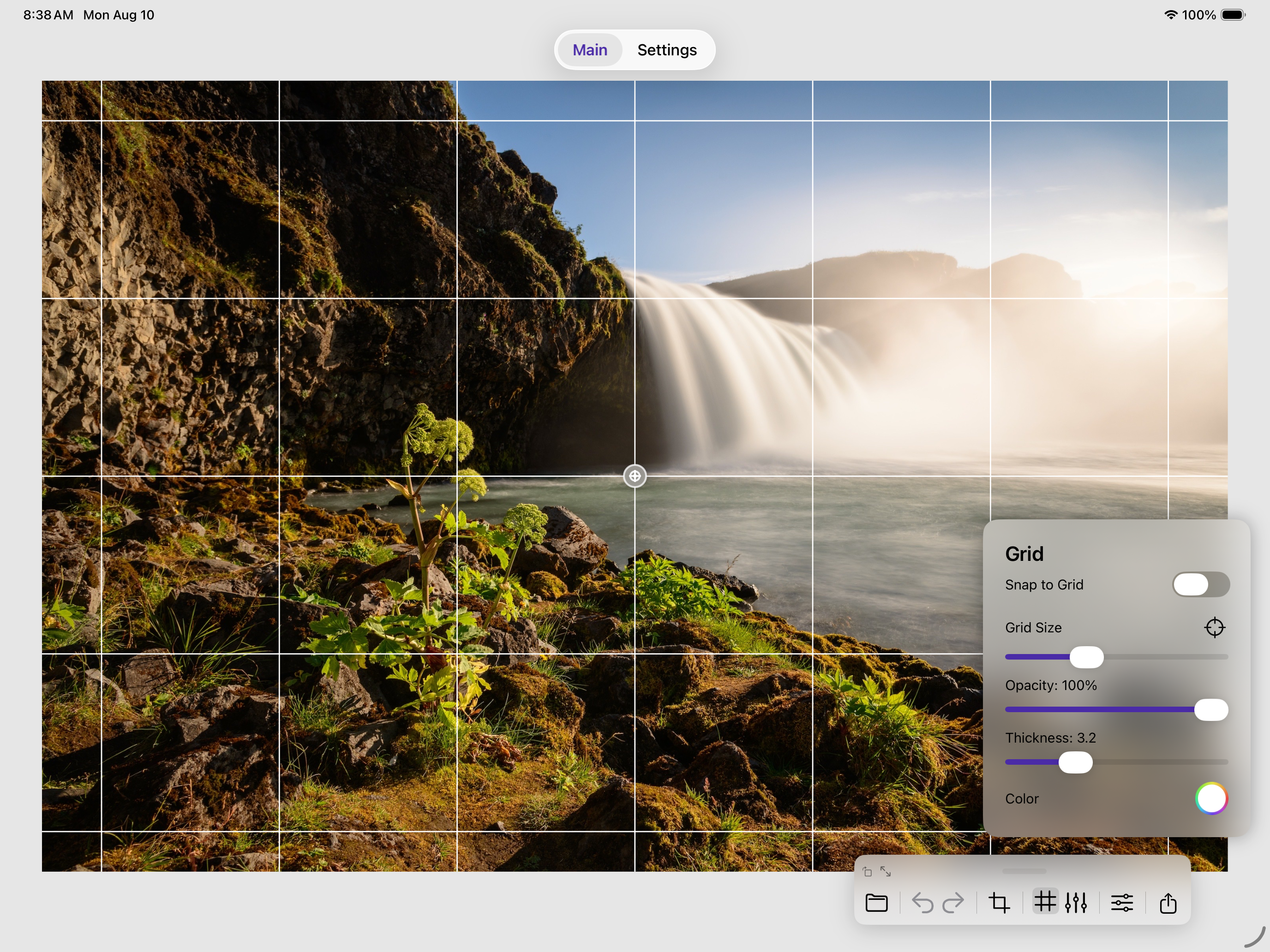
Add a customizable grid to your image, study proportions section by section, and accurately transfer what you see to paper or canvas.

CUSTOMIZE
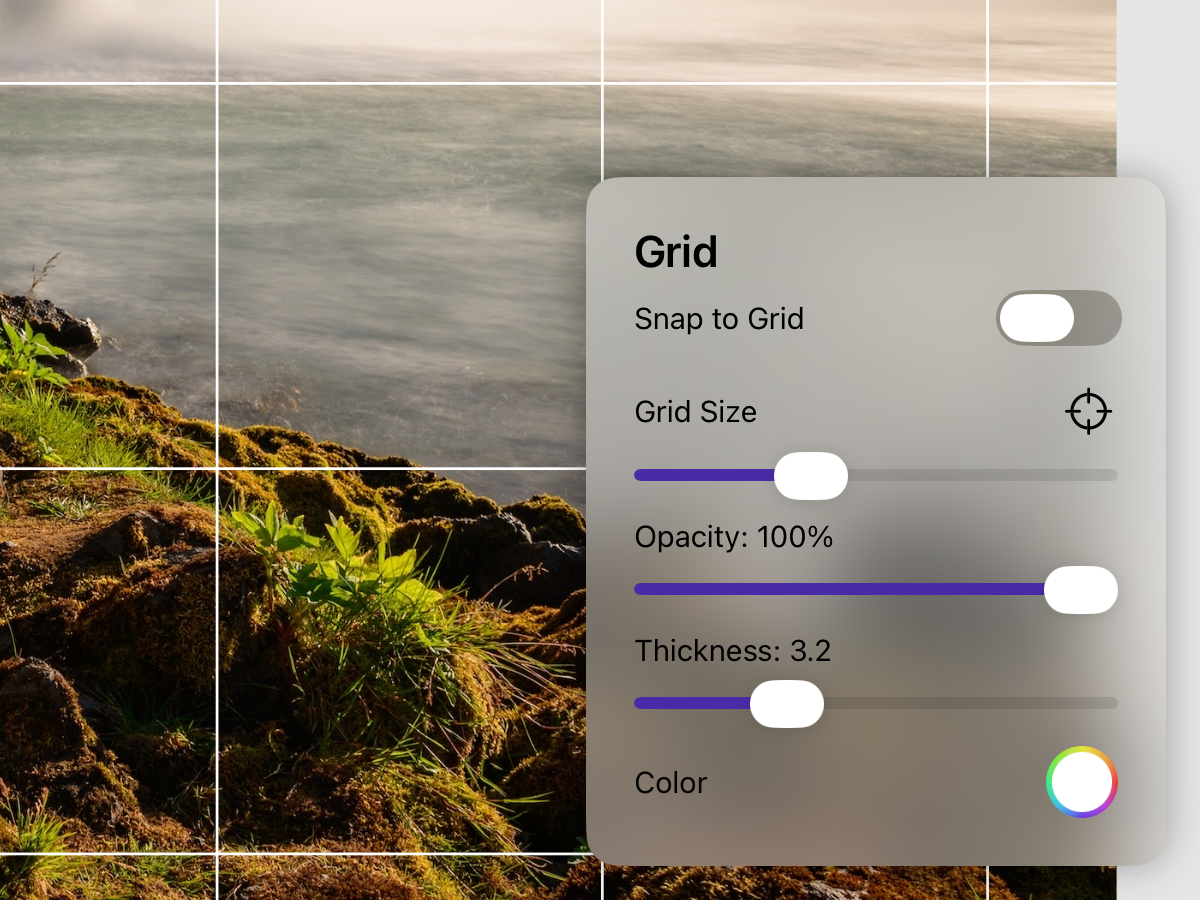
Create a grid that matches your canvas.
Choose the rows and columns that fit your reference and the scale of your drawing or painting.
POSITION
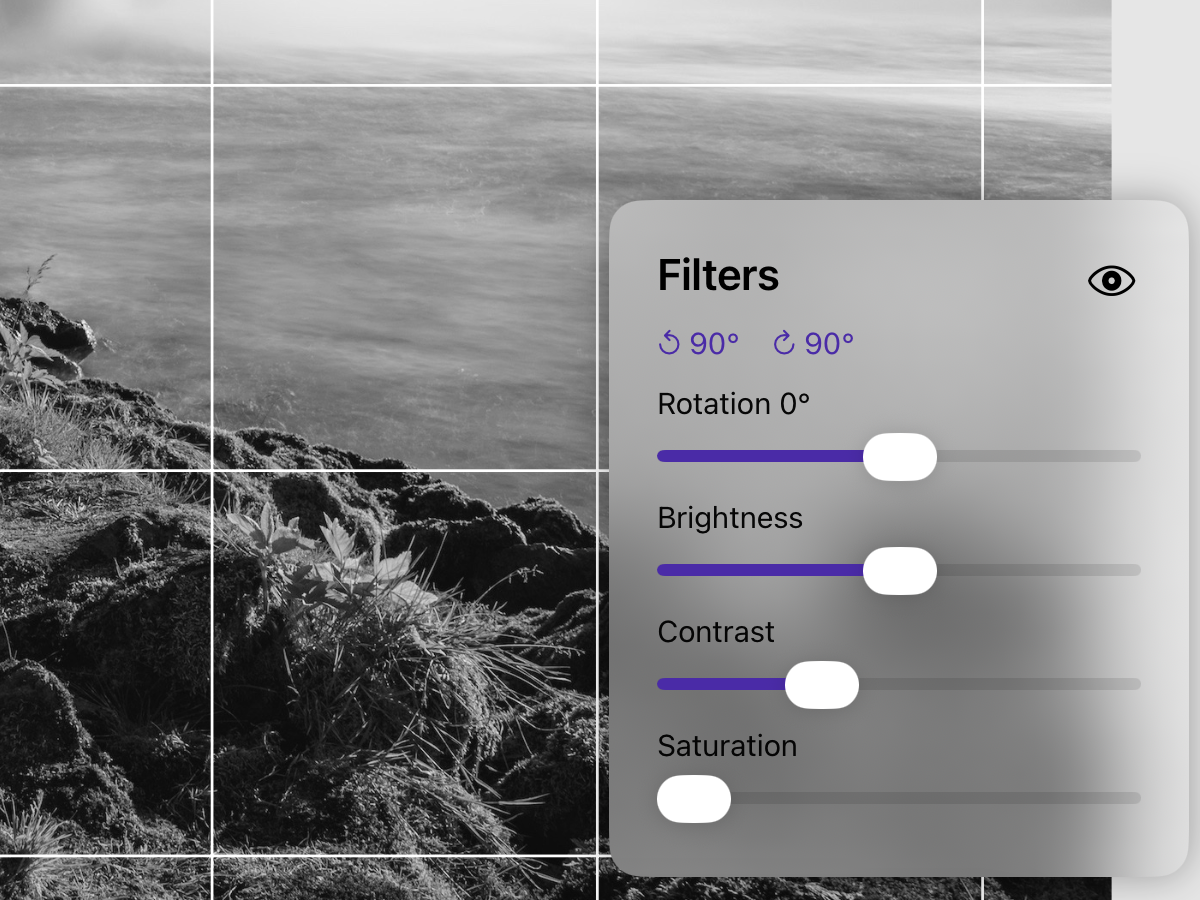
Set up your reference exactly the way you need it.
Zoom, move, and position your image so the important details are easy to study before transferring them to your surface.
FOCUS
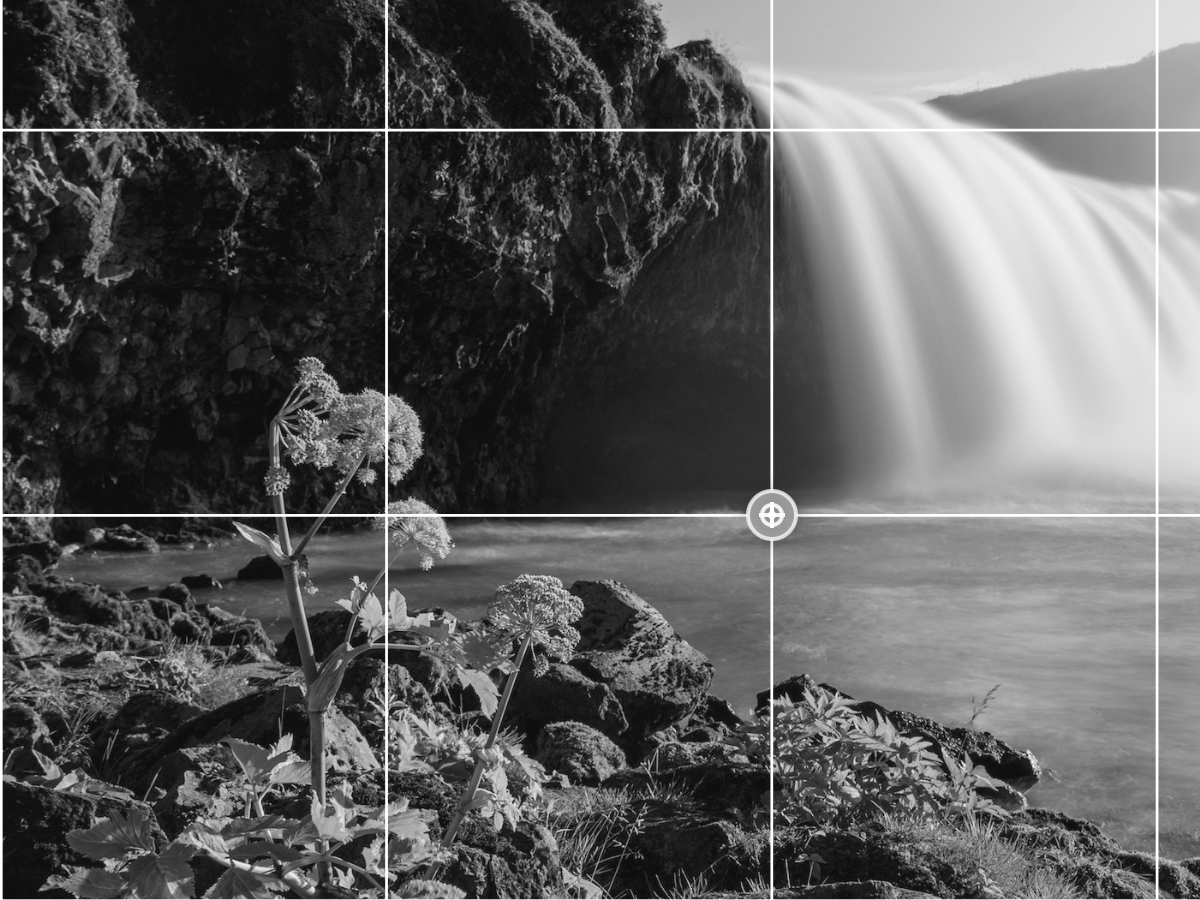
Study one section at a time.
Break a complex reference into manageable areas so you can compare shapes and proportions without getting overwhelmed by the whole image.